Frequently asked questions
- Do I need an account?
- No. The checks work without an account – the same free checks as on the website. Signed in, you also get the monitoring state, "Check now" and "Add", and the hourly limit of the free tools no longer applies.
- How do I sign in, and out again?
- With "Sign in with DomainWarn": a DomainWarn window opens, you pick the organization and the scope (read only, or also add and check) and confirm. The extension gets its own token listed under Settings → API; "Sign out" in the extension or revoking it there ends the access.
- What data does the extension see?
- Only the address of the active tab, and only at the moment you open the popup. Only the domain name is transmitted; the extension does not read page content.
- Does the extension run in the background?
- No. It has no background script and no content script and only checks when you open it.
- Is it the same score as on the website?
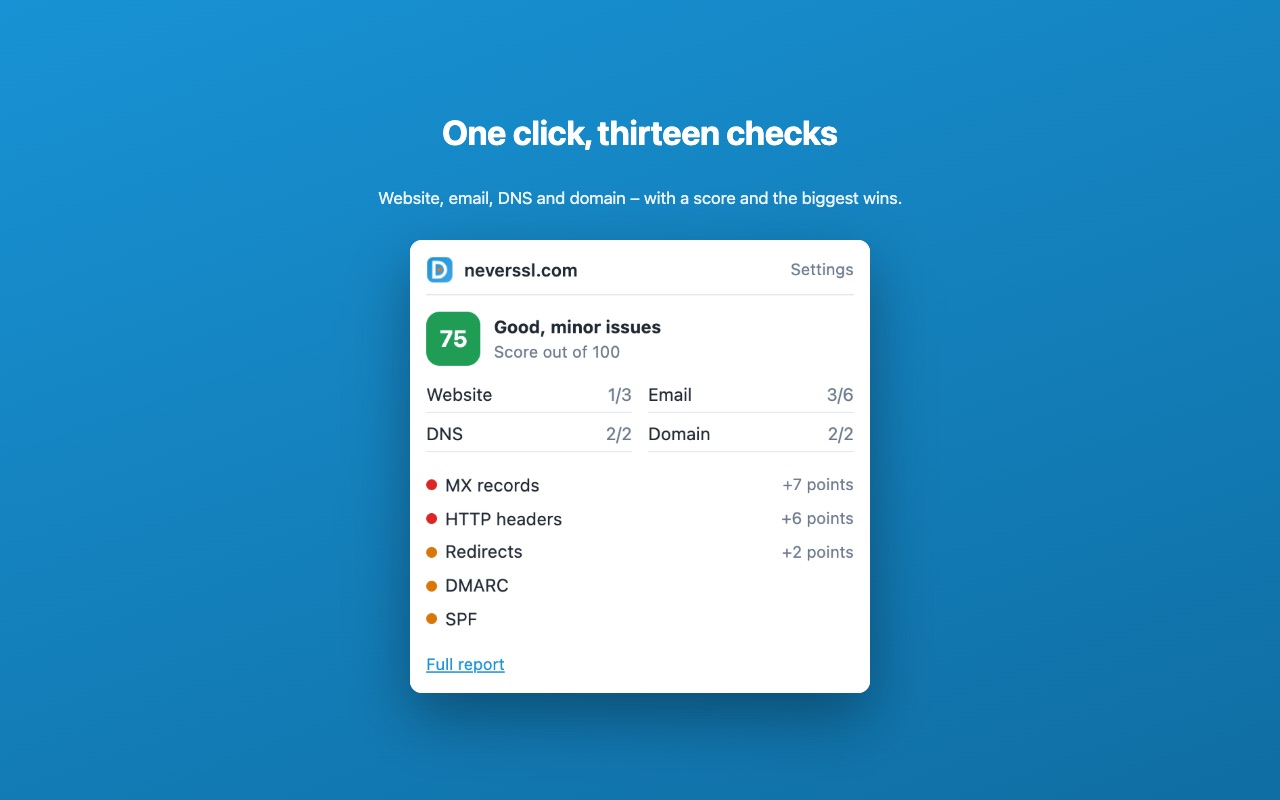
- Yes. The overall check shows the rating of the domain check with the same areas and checks; the link in the popup opens exactly that result on the website.